Access Raspberry pi using usb
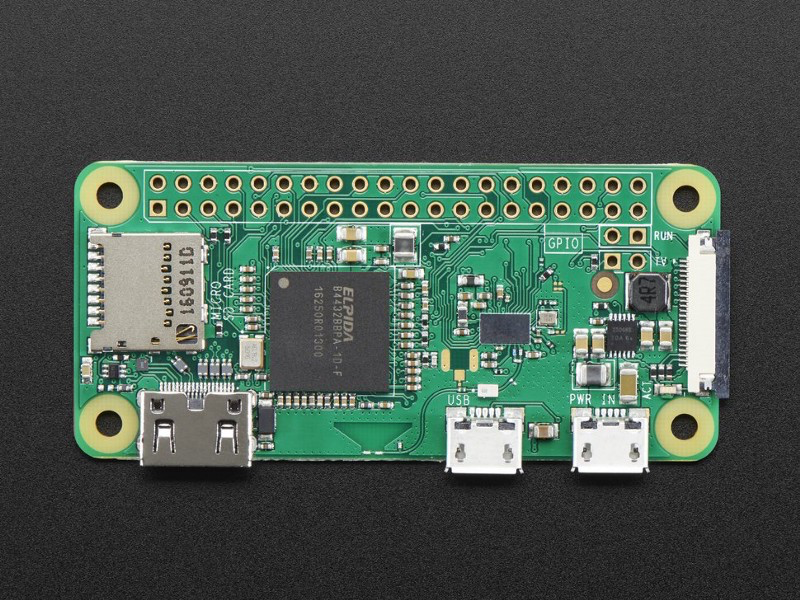
After installing rasbian, edit the following files
1 Enable SSH by creating the file using the following command
touch /Volumes/boot/ssh
2. Edit config.txt file
vim /Volumes/boot/config.txt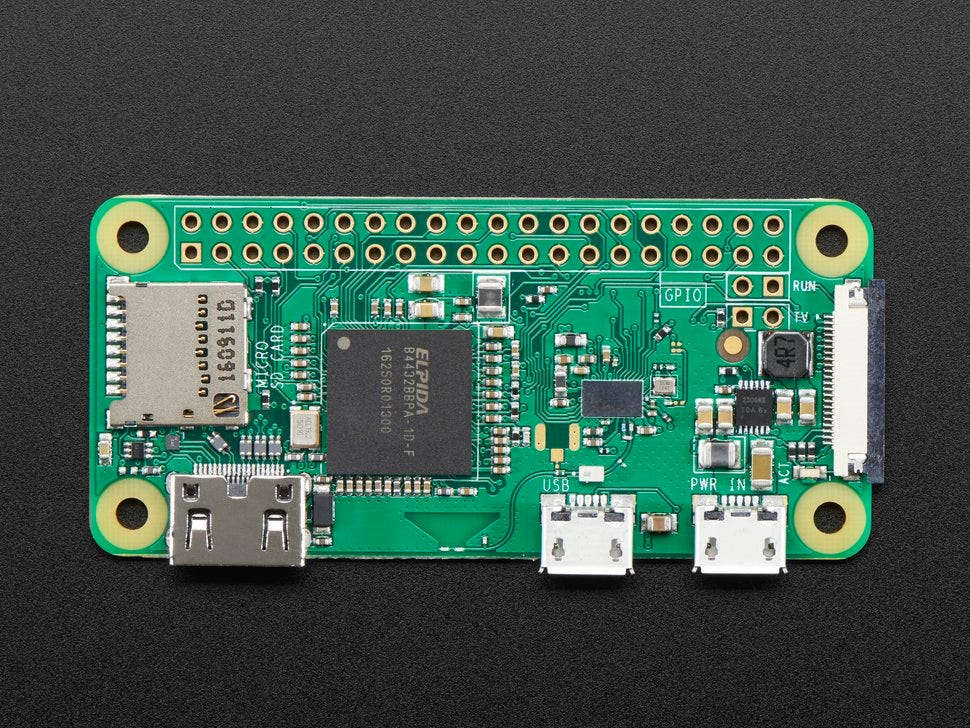
add the following line at the end of the file
dtoverlay=dwc2
3. Edit cmdline.txt
vim /Volumes/boot/cmdline.txt
after the word “rootwait” add the following text with one space
modules-load=dwc2,g_ether
4. Connect using micro usb to your mac and ssh into it.


Comments
Post a Comment